Minecraft for Learning: Redstone, Coding & STEM
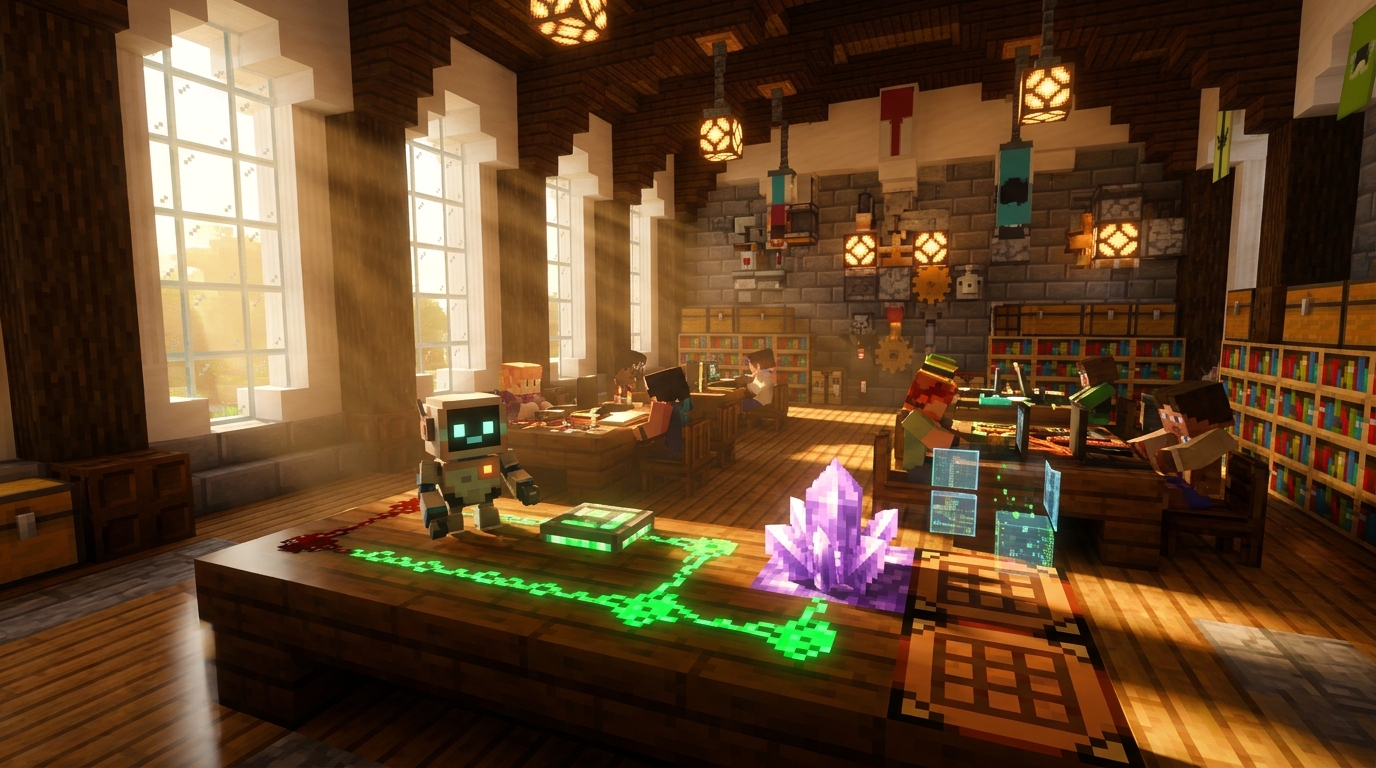
Minecraft becomes a genuine STEM tool when you move beyond aimless survival into structured building, Redstone circuits, and coding. Redstone works like real electrical engineering (signals decay after 15 blocks, torches act as NOT gates), 3D coordinates teach Cartesian geometry, and Bedrock Edition includes a free built-in Chemistry toggle. For block-based coding and Python, use Minecraft Education (via a school Microsoft 365 account or free Hour of Code demos) or Java Command Blocks.
1. Why Minecraft Works Better Than Passive Screen Time
Most parents worry that hours spent in Minecraft are no different from scrolling short-form video feeds. The difference lies in cognitive load: passive video consumes attention, while Minecraft forces a child to plan, estimate resources, debug failures, and manipulate a 3D coordinate grid.
However, there is an explicit trade-off. If a child spends three hours only spawning TNT in Creative mode or grinding repetitive mini-games on public servers, educational value stays low. Turning the game into a learning environment requires steering them toward three native mechanics: Redstone engineering, proportional building, and command/code automation.
2. Redstone: Real Binary Logic & Electrical Engineering
In Minecraft, Redstone is an in-game mineral that behaves like electrical wiring. Every Redstone line carries a signal strength from 0 (OFF) to 15 (ON). Because signal strength drops by 1 for every block traveled, kids immediately run into real engineering constraints: power distribution, signal delay, and logic gates.
Max Wire Length = 15 blocks | 1 Redstone Tick = 2 Game Ticks = 0.1 seconds | Repeater Delay = 0.1s to 0.4s
Without realizing they are studying computer science, kids build the exact same logic gates used inside modern CPUs:
- NOT Gate (Inverter): Placing a Redstone Torch on the side of a powered block flips an ON signal to OFF, and vice versa.
- AND / OR Gates: Combining two levers with torches so a secret piston door opens only when both conditions are true (
A AND B). - Clock Circuits & Repeaters: Using Redstone Repeaters to control pulse timing in
0.1sincrements—vital for automatic crop harvesters or 1.21 Crafter assembly lines.
Trade-off to know: Java Edition and Bedrock Edition handle a few advanced Redstone quirks differently (for example, quasi-connectivity exists only in Java). For kids ages 7–12 learning basic logic gates and piston doors, both editions work identically.
3. 3D Math, Ratios & Spatial Geometry in Every Build
Every block in Minecraft measures exactly 1 × 1 × 1 meter. When a child builds a house, bridge, or dome, they are doing applied geometry and resource multiplication in their head:
- 3D Cartesian Coordinates (X, Y, Z): Pressing
F3(Java) or enabling Show Coordinates (Bedrock) displays the player's position on three axes. Kids quickly learn negative numbers when walking past0, 64, 0into-240, 64, -120. - 1:8 Scale Ratios: Traveling through the Nether compresses distances by a factor of 8 on the X and Z axes (
Overworld ÷ 8 = Nether). Kids use division and multiplication daily to link portals accurately—you can even show them our Nether Portal 1:8 Calculator to verify their math. - Voxel Circles & Area Estimation: Building a circular tower or dome out of square blocks requires symmetry and radius planning. Pairing Creative builds with our Voxel Circle & Sphere Generator helps younger kids visualize radius, diameter, and layer-by-layer blueprints.
4. Minecraft Education & The Free Bedrock Chemistry Lab
Many parents hear about Minecraft Education (formerly Education Edition) and assume they need to buy a separate game. Here is how the versions actually compare:
| Platform / Mode | Cost & Access | Best STEM Focus | Key Limitation |
|---|---|---|---|
| Minecraft Education | Free Hour of Code demos; full app requires a school/org Microsoft 365 Education license | Block coding (MakeCode), Python, guided science/history worlds, programmable Agent robot | Standard family Microsoft accounts cannot buy single-user licenses directly |
| Bedrock + Education Toggle | Free inside regular Minecraft Bedrock (PC, consoles, tablets) | Chemistry Lab: 118 elements, Compound Creator, Lab Table, Material Reducer | Includes Chemistry blocks & recipes, but does NOT include the MakeCode Agent |
| Java Edition + Command Blocks | Included in standard PC Java license | Text commands, relative coordinates (~), datapacks (.mcfunction), complex Redstone |
Steeper typing curve; no built-in drag-and-drop block coding |
How to Enable the Free Chemistry Lab in Bedrock (2 Minutes)
If your child already plays Bedrock Edition on iPad, Windows, Xbox, or Switch, you can unlock real periodic-table chemistry right now without paying extra:
- Create a new world (or edit an existing one) in Creative Mode.
- Scroll down in Game Settings to the Cheats section and turn on Education Edition.
- Load the world and open the Creative inventory: your child now has the Element Constructor (build any of the 118 elements by adjusting protons, neutrons, and electrons), Compound Creator (combine 2 Hydrogen + 1 Oxygen into Water, or Sodium Acetate for Ice Bombs), and Material Reducer (break down grass or cobblestone into its real chemical elements).
5. Coding Path: MakeCode, Python & Command Blocks
Minecraft offers a natural progression from visual logic to real text programming:
- Ages 7–10 (Visual Blocks): In Minecraft Education, pressing
Copens Code Builder powered by Microsoft MakeCode. Kids snap Scratch-style blocks together to instruct an in-game robot called the Agent to dig tunnels, plant crops, or build walls using loops (repeat 10 times) and conditionals (if block ahead is air). - Ages 10–13 (Command Blocks & Relative Math): In standard Java or Bedrock Creative mode, enable cheats and run this command in chat to give your child a programmable block:
/give @p minecraft:command_blockInside a Command Block, kids write real syntax with arguments, target selectors (@p nearest player, @e[type=cow]), and relative 3D coordinates (~ means current position). For example, building a hollow glass dome or cube around themselves teaches 3D bounding boxes in one line:
/fill ~-4 ~ ~-4 ~4 ~4 ~4 minecraft:glass hollow- Ages 13+ (Python & Datapacks): Older students can switch MakeCode from Blocks to JavaScript/Python, or write Java Edition Datapacks (
.mcfunctiontext files) in VS Code to script custom mini-games and server mechanics.
6. Age-by-Age Learning Roadmap (Ages 6 to 15)
| Age Group | Recommended Setup | Core Skills Built | 15-Minute Parent Challenge |
|---|---|---|---|
| 6–8 Years | Creative Mode or Peaceful Survival | Spatial awareness, symmetry, counting, basic area | Ask them to build a symmetrical house with an exact perimeter (e.g., 10×10) and a fenced garden. |
| 9–11 Years | Bedrock Education Toggle + Basic Redstone | Logic gates, cause-and-effect, periodic table basics, 1:8 ratios | Challenge them to build a hidden piston door using two levers (AND gate) or craft a helium balloon in the Chemistry Lab. |
| 12–15 Years | Java/Bedrock Command Blocks or MakeCode Python | Loops, variables, 3D Cartesian vectors, automated farms (1.21 Crafter) | Ask them to automate a farm with a 1.21 Crafter or build a teleportation hub using Command Blocks. |
7. Key Takeaways for Parents
- Shift from passive to project-based play: Ask what your child is building or engineering rather than just setting blind timers.
- Use free built-in tools first: The Bedrock Education Edition Chemistry toggle and Java Command Blocks cost nothing extra.
- Redstone equals early computer science: Torches, repeaters, and comparators teach the exact binary logic behind real hardware.
- Coordinates build math intuition: Turning on coordinates normalizes negative numbers, ratios (1:8 Nether), and 3D geometry.
8. Frequently Asked Questions (FAQ)
Can I buy Minecraft Education for my child at home?
Not as a standard single-family purchase. Full Minecraft Education licenses require an eligible school, university, or homeschool organization Microsoft 365 Education account. However, anyone can download the app and play the free Hour of Code coding lessons without a school login.
Is Redstone actually useful for learning programming?
Yes. Redstone does not teach syntax like Python, but it teaches digital logic—how binary states (1/0), NOT/AND/OR gates, timing clocks, and memory latches work together. Many computer science students credit Redstone for their intuition with circuits.
Does enabling cheats for Command Blocks ruin the game?
In a Survival world, enabling cheats disables Xbox/Bedrock Achievements for that specific world. The clean solution is to keep one Survival world without cheats and create a separate Creative "Lab World" dedicated to Command Blocks, Redstone, and Chemistry.
Which version is better for learning: Java or Bedrock?
Both are strong, with different strengths. Bedrock offers the free built-in Chemistry lab and cross-play on tablets/consoles. Java on PC is superior for text-based Command Blocks, Datapacks, and community coding mods.
📚 More Family & Safety Guides
How to Play Minecraft Together: LAN, e4mc & Family Server
4 safe, free ways to play Minecraft with your child or friends without paying for Realms: local Wi-Fi Open to LAN (plus firewall fixes), e4mc, Essential Mod, and Bedrock crossplay.
Minecraft Screen Time & Bedtime Battles: Why Kids Can't Just Quit and How to End Tantrums
A practical guide for parents on ending Minecraft bedtime battles and screen-time tantrums. Learn why pressing ESC doesn't pause the game, how the 5-minute despawn timer causes panic, and how the 2-minute Safe Bunker protocol and keepInventory rule create peaceful evenings.
How to Safely Install Minecraft Mods for Kids: A Parent's Guide (No Viruses)
A practical guide for parents on safely installing Minecraft mods, shaders, and resource packs. Discover verified catalogs like Modrinth and CurseForge, isolated modern launchers, and essential digital safety rules to prevent malware.