How to Safely Install Minecraft Mods for Kids: A Parent's Guide (No Viruses)
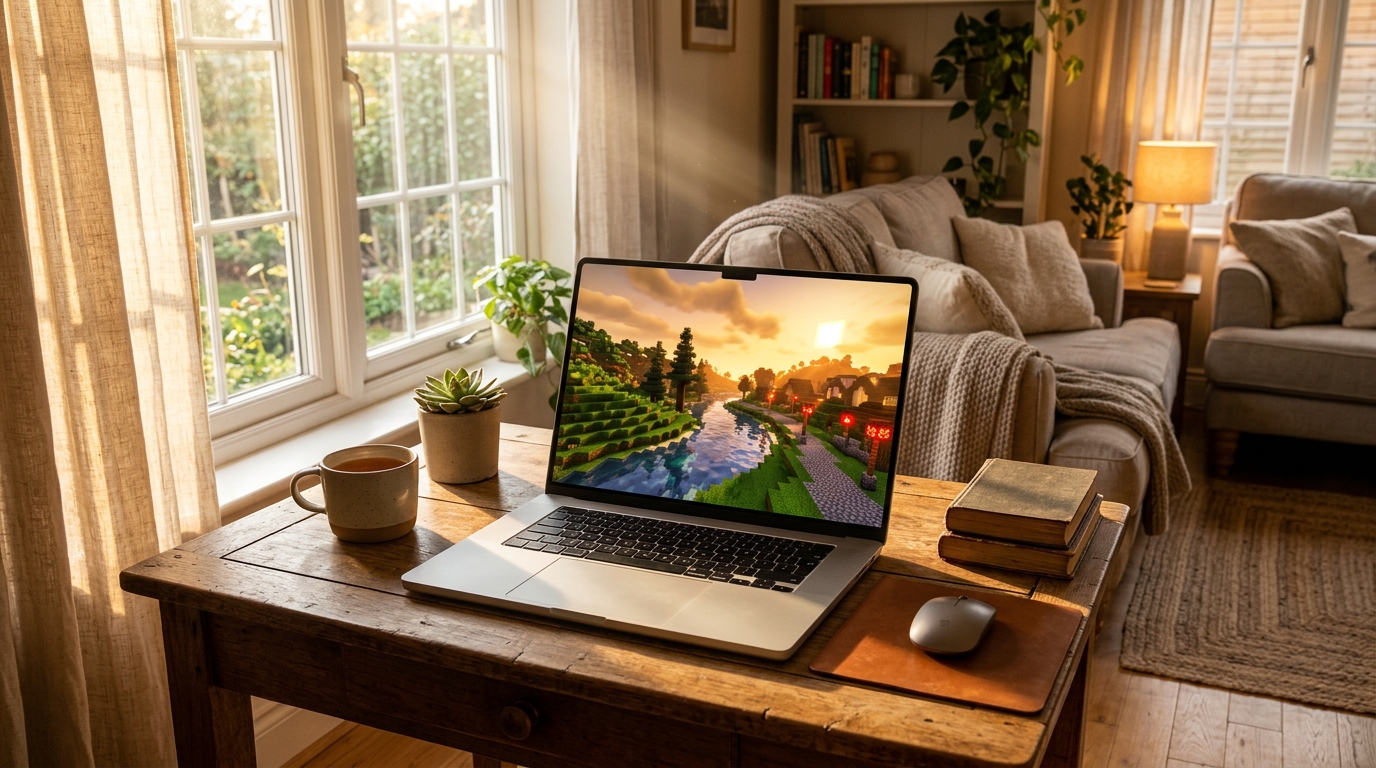
Minecraft Java mods (.jar files) execute code directly on your PC, making untrusted download sites a major malware risk. Protect your child by enforcing two rules: only use verified catalogs (Modrinth or CurseForge) and install mods via an isolated modern launcher (Prism Launcher or Modrinth App) that manages sandboxed instances in 1 click without web downloads.
1. Understanding Mod Risks: Why .jar Files Carry Threats
Every parent with a child passionate about Minecraft eventually hears the request: "Can you help me install mods for new animals, furniture, or realistic water shaders?" To kids, mods are simply exciting, free game enhancements. But on a shared family computer, unsupervised mod installation represents one of the most common vectors for malware and credential theft.
Unlike skins or texture packs (which are standard image files like .png), Minecraft Java Edition mods are distributed as .jar (Java Archive) files. From an operating system perspective, a .jar file is not just a compressed zip; it is compiled, executable software. When the game launches, every mod runs with the exact same system permissions as your logged-in user account on Windows or macOS.
Malicious .jar execution ➔ Background scan of %APPDATA% ➔ Theft of browser cookies, Discord tokens, and Microsoft session keys
In mid-2023, the global Minecraft community faced a sophisticated attack dubbed Fractureiser. Attackers compromised several legitimate developer accounts on popular hosting platforms and injected a multi-stage payload into regular mod updates. The infected files silently extracted saved browser passwords, Discord session tokens, crypto wallets, and Microsoft authentication cookies, while propagating to other .jar files on the drive. This proved that even cautious players can be compromised if they download files indiscriminately.
Three main sources present the highest risk to family devices:
- Aggregator and Scraper Websites (e.g., 9minecraft and mirror domains): These sites scrape mods without author consent, surround download buttons with deceptive ads, and often wrap files in dangerous
.exeadware installers. - YouTube & TikTok Video Descriptions: Tutorials showcasing "free hacks" or "top aesthetic shaders" frequently link to MediaFire or Mega hosting password-protected archive files. The password exists solely to bypass automated browser antivirus scanners.
- Unofficial Ad-Supported Launchers: Third-party pirated launchers often bundle aggressive telemetry, background ad injectors, or custom proxies that monitor web traffic.
2. The Approved Whitelist: Safe Repositories for Mods and Shaders
To eliminate the risk of children clicking sketchy search engine results, bookmark only two legitimate platforms. These repositories enforce strict automated virus scanning, sandboxed analysis, and human moderation before publishing any file.
| Platform | Moderation & Inspection | Safety Rating | Launcher Integration |
|---|---|---|---|
| Modrinth (modrinth.com) | Automated ClamAV scans + manual code review by moderators | Highest (Open-source, privacy-first ecosystem) | 1-click via Modrinth App and Prism Launcher |
| CurseForge (curseforge.com) | Overwolf Detection Engine multi-stage sandbox analysis | High (Industry standard repository) | 1-click via CurseForge App and Prism Launcher |
| Scraper Sites (9minecraft & mirrors) | None (Repackaged files driven by ad revenue) | Dangerous (High risk of bundled adware or trojans) | None (Manual web download through deceptive ads) |
| YouTube / Discord Links | Zero (Unregulated file lockers with passwords) | Critical (Dominant source of Discord & session stealers) | None |
The Golden Rule for Parents: If a mod is not available on either Modrinth or CurseForge, do not permit it on your computer. There are virtually no legitimate exceptions for modern gameplay.
For visual shaders: the legacy OptiFine tool is no longer the modern standard. While official OptiFine from optifine.net is safe, it requires manual standalone installers. In Minecraft 1.21+, the open-source community has standardized on Iris Shaders combined with Sodium. They deliver significantly higher frame rates, native compatibility with modern mods, and can be installed in a single click directly through Modrinth without running standalone executable installers.
3. Sandboxed Modern Launchers: Ditching Manual .minecraft Folders
The traditional method seen in old YouTube guides—pressing Win + R, opening the system folder %appdata%/.minecraft/mods, and pasting files downloaded from a browser—is outdated and dangerous in 2026. This manual method introduces critical issues:
- It trains kids to click unverified download buttons across random web pages.
- It dumps conflicting versions into a single folder, triggering frequent game crashes with "Exit Code 1".
- If a malicious file enters that folder, it gains direct access to the default Minecraft directory and singleplayer save files.
The modern solution: Isolated profile launchers (Instances).
We strongly recommend using Prism Launcher (a clean, open-source launcher with zero ads) or the official Modrinth App. They protect your computer in three fundamental ways:
- Instance Sandboxing: Each modpack or game version lives in its own self-contained directory. If a child experiments with new mods and breaks an instance, their precious creative worlds in other instances remain completely untouched.
- Browser-Free Built-in Search: Children search for mods directly within the launcher's desktop interface. The launcher communicates with Modrinth and CurseForge via secure APIs, verifies file hashes, and automatically downloads necessary dependencies (like Fabric API). The child never touches a web browser.
- Execution Protection: The launcher strictly manages game files and cannot accidentally execute Windows
.exeor.batscript payloads.
4. Step-by-Step Shader & FPS Optimization in 5 Minutes
Shaders transform Minecraft's voxel landscapes into breathtaking scenes featuring dynamic sunlight, realistic water ripples, and waving leaves. Here is how to configure them safely in under five minutes:
- Install an Approved Launcher: Download Prism Launcher from
prismlauncher.orgor Modrinth App frommodrinth.com/app. Log in using your child's official Microsoft account (for account safety configurations, check our Parental Controls & Privacy Guide). - Create a Fabric Instance: Click "Add Instance", pick the latest version (e.g., Minecraft 1.21.4), and choose Fabric as the mod loader. Fabric is lightweight, modular, and far more stable than legacy Forge.
- Add the Core Optimization Stack: Open the instance's "Download Mods" tab and search for:
- Sodium — Overhauls the rendering engine, boosting framerates by 2x to 3x.
- Iris Shaders — Enables full shaderpack support seamlessly with Sodium.
- Lithium — Optimizes server physics and mob AI calculations without changing vanilla mechanics.
- Download Verified Shaders: In the "Shader Packs" section, select Complementary Shaders (Reimagined) or BSL Shaders. Click install, and the launcher places the archive into the correct folder automatically.
Launch the instance, navigate to Options ➔ Video Settings ➔ Shader Packs, and toggle on your chosen shader. The system remains secure, the game runs at maximum smoothness, and your child enjoys stunning visuals without risky downloads.
5. The Family Digital Contract: 4 Essential Safety Rules
Software safeguards are essential, but clear communication forms your strongest defensive layer. Establish a simple four-point agreement with your child:
- Never run
.exeor.msifiles. Real Minecraft Java mods ALWAYS end in.jar, while resource packs and shaders end in.zip. Any website asking to download asetup.exeorinstaller.exeis distributing malware. - No downloads from YouTube or TikTok links. If an influencer shares an external MediaFire or Mega link requiring a password, it is banned. If a mod is genuine, its name can be searched directly inside the launcher.
- The Administrator Prompt Rule (UAC). Whenever Windows dims the screen asking "Do you want to allow this app to make changes to your device?", the child must immediately call an adult. Installing standard Minecraft mods never requires administrative privileges.
- Separate Modded & Multiplayer Profiles. Keep experimental mod configurations isolated from vanilla multiplayer sessions (to learn how to host safe sessions with friends, review our Guide to Playing Together on Family Servers).
6. Key Takeaways
- Mods are executable programs: The
.jarfile format executes machine code. Downloading from unverified websites poses a genuine risk of credential theft. - Strict whitelist policy: Restrict all mod downloads to Modrinth and CurseForge. Anything missing from these two hubs should not be installed.
- Use sandboxed launchers: Prism Launcher and Modrinth App eliminate manual folder digging and block malicious web downloads through direct API integration.
- The golden shader stack: Fabric + Sodium + Iris + Complementary Shaders provides peak performance and cinematic visuals with zero security compromise.
7. Frequently Asked Questions (FAQ)
Can a malicious Minecraft mod steal my banking credentials?
While a mod cannot magically read physical payment cards, modern infostealers (trojans) scrape autofill data, browser cookies, and stored login credentials from Chrome, Edge, and Firefox. If banking sessions or cards are saved in the browser without hardware two-factor authentication, attackers can hijack those sessions.
Are Bedrock Edition add-ons safer than Java mods?
Yes. Bedrock Edition add-ons from the built-in Minecraft Marketplace operate within an isolated operating system sandbox and cannot execute arbitrary desktop code. However, Marketplace add-ons cost Minecoins (real money), whereas Java Edition mods are created by an open community and are completely free.
Do legitimate Java mods ever cost money?
No. Under Mojang's Commercial Usage Guidelines (EULA), charging players for Java mods or gatekeeping gameplay features behind paywalls is prohibited. Any website asking for payment, phone numbers, or recurring subscriptions to download a mod is fraudulent.
Why does Minecraft crash with "Exit Code 1" after installing a mod?
In almost all cases, this error indicates a version incompatibility (such as running a 1.20 mod on 1.21) or a missing prerequisite library (like Fabric API). Using modern launchers like Prism Launcher or Modrinth App prevents this by verifying version compatibility before downloading.
📚 More Family & Safety Guides
Minecraft Parental Controls: How to Keep Kids Safe & Disable Purchases
Step-by-step setup guide for Microsoft Family Safety, chat restrictions, blocking unverified multiplayer servers, and preventing accidental Minecoin transactions.
How to Play Minecraft Together: LAN, e4mc & Family Server
4 safe, free ways to play Minecraft with your child or friends without paying for Realms: local Wi-Fi Open to LAN (plus firewall fixes), e4mc, Essential Mod, and Bedrock crossplay.
Minecraft Java vs Bedrock: Which Edition Should You Buy for Your Child?
A plain-English comparison of Minecraft Java and Bedrock editions. Understand crossplay, mods, device compatibility, and subscription requirements.